
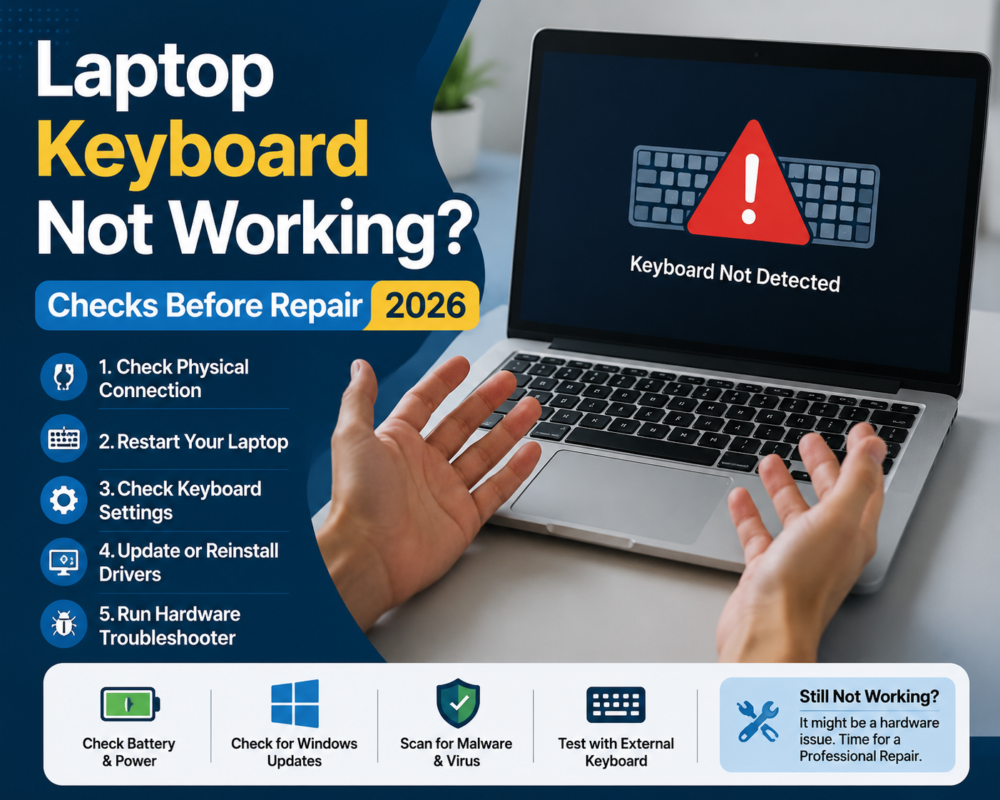
When a laptop keyboard not working, any USB keyboard (or a Bluetooth one you’ve already paired) works for this test. If the external keyboard types normally, the built-in keyboard has a hardware fault and will likely need professional repair. If the external keyboard misbehaves too, the problem is software — and you can probably fix it yourself with the steps below.
This guide walks through the checks worth doing at home, what different symptoms mean, what to do after a spill, and what information a repairer needs to quote your job accurately.
Step 1: The external keyboard test
Work through these if the external keyboard showed the same symptoms:
- Wrong characters appearing (@ and ” swapped, for example): your keyboard layout has switched between US and UK/Australian. On Windows, check Settings → Time & Language → Language & Region. On a Mac, review your input sources in macOS keyboard settings and remove any layout you don’t use.
- Keys need a hard press or behave oddly: check whether Filter Keys or Sticky Keys has been switched on accidentally — both are accessibility features commonly triggered by holding Shift. This guide to turning Filter Keys on or off in Windows covers every method.
- Number keys typing letters on some compact laptops: Num Lock via the Fn key.
- Nothing helps: reinstall the keyboard driver. In Windows Device Manager, uninstall the keyboard device and restart — Windows reinstalls it automatically.
If a settings fix solves it, you’re done — no repair needed.
Step 2: Settings and layout checks (software causes)
Work through these if the external keyboard showed the same symptoms:
- Wrong characters appearing (@ and ” swapped, for example): your keyboard layout has switched between US and UK/Australian. On Windows, check Settings → Time & Language → Language & Region; on a Mac, System Settings → Keyboard → Input Sources.
- Keys need a hard press or behave oddly: check whether Filter Keys (Windows) or Sticky Keys has been switched on accidentally — both live in accessibility settings and are commonly triggered by holding Shift.
- Number keys typing letters on some compact laptops: Num Lock via the Fn key.
- Nothing helps: reinstall the keyboard driver. In Windows Device Manager, uninstall the keyboard device and restart — Windows reinstalls it automatically. On a Mac, an SMC/NVRAM reset is the equivalent nothing-to-lose step on Intel models.
If a settings fix solves it, you’re done — your laptop keyboard not working was a software issue, and no repair is needed.
Laptop Keyboard Not Working: What Different Symptoms Mean
- One or two dead keys, everything else fine: usually a failed key mechanism or debris under the keycap. Sometimes fixable with a keycap or mechanism replacement; on many modern laptops, single keys can’t be replaced individually (more below).
- A whole row or block dead: points to the keyboard’s ribbon cable or controller rather than individual keys — a loose or damaged cable produces exactly this pattern.
- Sticky or mushy keys: almost always residue — sugary drinks are the classic cause. Isopropyl alcohol on a cotton bud around (not under) the keycap can help, but forcing keycaps off fragile laptop mechanisms often breaks the clips.
- Keys repeating or “ghost typing”: early liquid damage or a failing controller. This symptom tends to get worse; back up your data now.
Spilled something on your laptop? Do this immediately
- Power off now. Hold the power button until it shuts down. Damage is done by electricity flowing through liquid, so every powered-on minute matters.
- Unplug the charger and, if your model allows it, remove the battery.
- Turn the laptop upside down in a tent shape on a towel so liquid drains away from the mainboard.
- Don’t put it in rice, don’t use a hairdryer, and — most importantly — don’t power it back on to “check if it’s fine”. Corrosion from a spill develops over days; a laptop that works tonight can be dead by the weekend.
- Get it inspected promptly. A professional clean-up soon after a spill is far cheaper than a mainboard repair later. [INTERNAL LINK: keyboard service page — anchor: “book a keyboard and spill inspection”]
Data warning: spills and worsening keyboard faults are both reasons to back up immediately, while the machine still boots. If the laptop won’t start at all, tell your repairer that data recovery matters to you before any work begins — it changes the repair approach.
Keycap, keyboard, or top-case: what actually gets replaced
This is the part that surprises most people, and it’s why quotes vary so much between laptop models:
- Keycap or single-mechanism replacement — the cheapest fix, but only possible on models where keycaps and their clips are separable and parts are available.
- Full keyboard replacement — on laptops where the keyboard is a separate module, it can be swapped as a unit. Common on many business-grade machines such as Dell laptops and Lenovo ThinkPads.
- Top-case (palmrest) replacement — on many modern thin laptops, including most recent HP consumer models and MacBooks, the keyboard is riveted or glued into the entire top case. “Replacing the keyboard” means replacing the top case, which is a bigger part and a longer job. This is a design decision by the manufacturer, not the repairer padding the quote.
Which category your laptop falls into depends entirely on the make and model — which is why a repairer will always ask for it first.
What a repairer needs to quote your keyboard repair
Send these five things with your enquiry and you’ll get a fast, accurate quote instead of “bring it in and we’ll see”:
- Make and exact model (on the sticker underneath, or in system information).
- The symptom, specifically: which keys, dead vs sticky vs repeating, constant or intermittent.
- Whether liquid was involved — and what liquid. Water and coffee behave very differently inside a laptop.
- The external keyboard test result from Step 1.
- Whether your data is backed up, and whether recovery matters if things are worse than they look.
If the checks above point to a hardware fault, our [INTERNAL LINK: keyboard service page — anchor: “laptop keyboard repair service”] covers diagnosis, genuine and compatible parts options, and a clear quote before any work starts. For other laptop faults, see our [INTERNAL LINK: laptop hub — anchor: “laptop repairs”] page, or the brand pages for [INTERNAL LINK: brand pages — e.g. “MacBook”, “Dell”, “HP”, “Lenovo” repairs] for model-specific detail.
Frequently asked questions
Can a single laptop key be replaced, or is it the whole keyboard?
It depends on the model. Laptops with modular keyboards allow single-key or full-keyboard swaps; many thin modern laptops integrate the keyboard into the top case, so even one dead key means a top-case replacement. A repairer can tell you which applies from your model number.
Is it worth repairing a laptop keyboard, or should I just use an external one?
An external keyboard is a legitimate stopgap, especially for a desk-bound laptop. But if the fault came from liquid, don’t just work around it — corrosion spreads beyond the keyboard. And for a laptop you carry, a half-working keyboard usually fails further.
Will a spill be covered under my warranty?
Almost never — liquid damage is excluded from standard manufacturer warranties, and most spill indicators inside the laptop will show it was triggered. Some home contents or accidental-damage insurance policies do cover it; check your policy before paying out of pocket.
My keyboard only fails sometimes. Should I wait until it dies completely?
No — intermittent faults (especially repeating keys) tend to be early liquid damage or failing cables, and both get worse. Back up now and get it looked at while the fault is cheap to fix.
